
18 June 2026
From Keyboard Cramps to Tech Neck: Dealing With Common Office Injuries
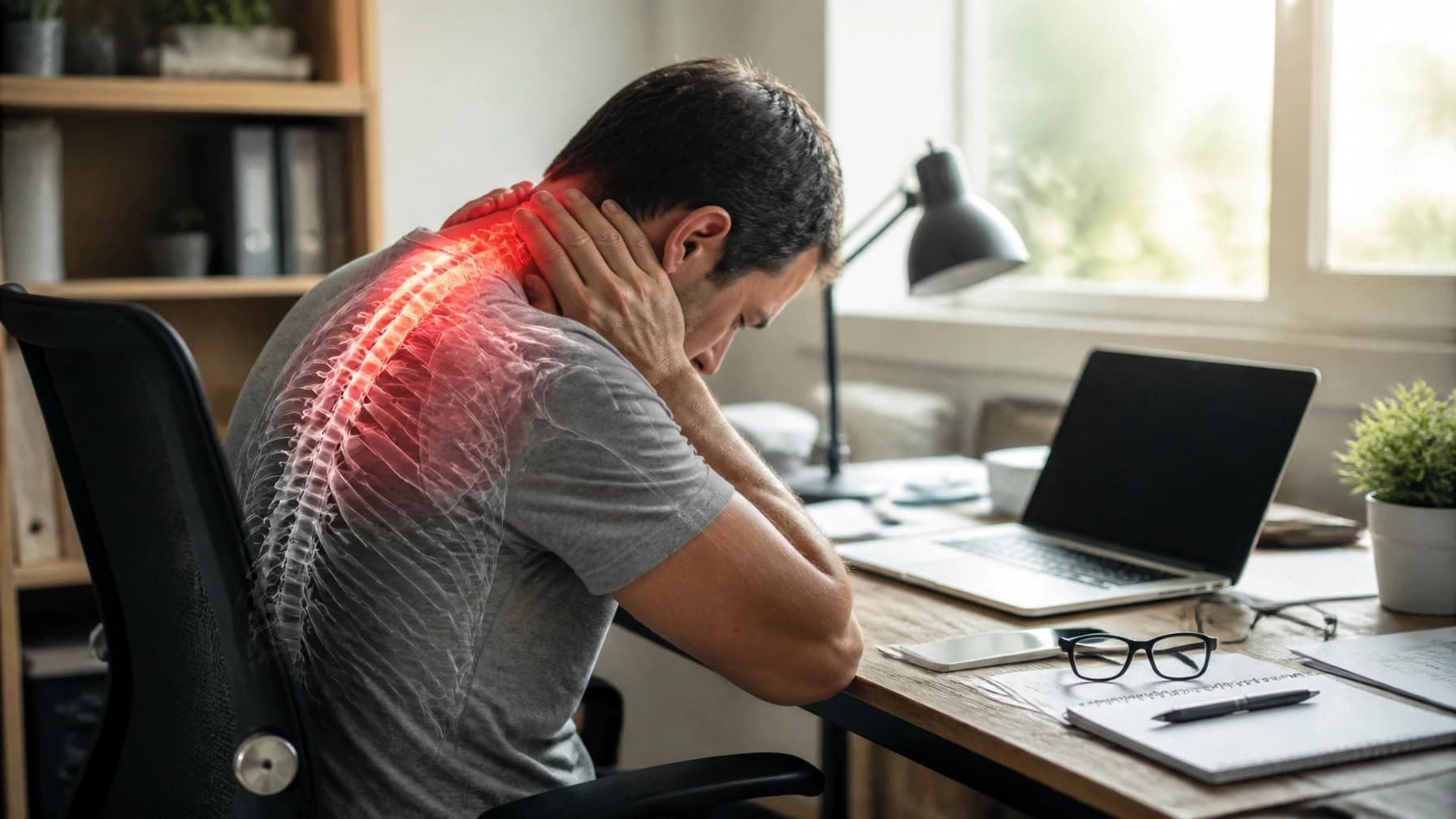
Let us be honest: most of us spend way more time with our laptops than we do with our actual friends. Whether you are crunching numbers in a high-rise office or working in your pyjamas from a kitchen stool, the "desk life" is the new norm.
But have you noticed that your body is not exactly cheering for your 9-to-5? Maybe it is a dull ache in your neck after a long Zoom call, or that weird tingle in your wrist after an afternoon of frantic emailing. At Komplete Physiotherapy, we see these "office injuries" every single day. They might seem like small annoyances, but if you ignore them, they can turn into ongoing issues that stop you from enjoying your weekends.
Today we are looking at the two biggest culprits of the digital age, Tech Neck and Keyboard Cramps, and how physiotherapy (especially our mobile service) can get you back to feeling like a human again.
The Rise of "Tech Neck" (And Why Your Head Feels So Heavy)
Have you ever thought about how much your head actually weighs? On average, an adult head weighs in the region of 4.5 to 5.5 kilograms, roughly the weight of a heavy bowling ball. Your neck is designed to carry that weight comfortably, as long as your head is sitting directly over your shoulders.
But the moment you tilt your head forward to look at a laptop, a tablet, or your phone, that "bowling ball" suddenly feels much heavier. Research modelling has estimated that at a 60-degree forward tilt, the load through the neck can rise to the equivalent of around 27 kilograms. The exact figure is debated, but the principle holds: the further your head drifts forward, the harder your neck has to work.
So what are the symptoms? "Tech Neck" is not just a catchy name, it is a real repetitive strain. You might notice:
- A persistent ache in the base of your skull
- Tightness between your shoulder blades
- Sharp pains when you try to turn your head quickly
- Headaches that seem to start at the back of your neck and wrap around to your forehead
How we approach it: when you come to us with neck or back pain, we do not just deliver a quick adjustment and send you on your way. We look at the whole picture. We use manual therapy to loosen those stubborn knots, but we also teach you how to wake up the muscles that have "gone to sleep" while you have been slouching.
Keyboard Cramps: The Silent Productivity Killer
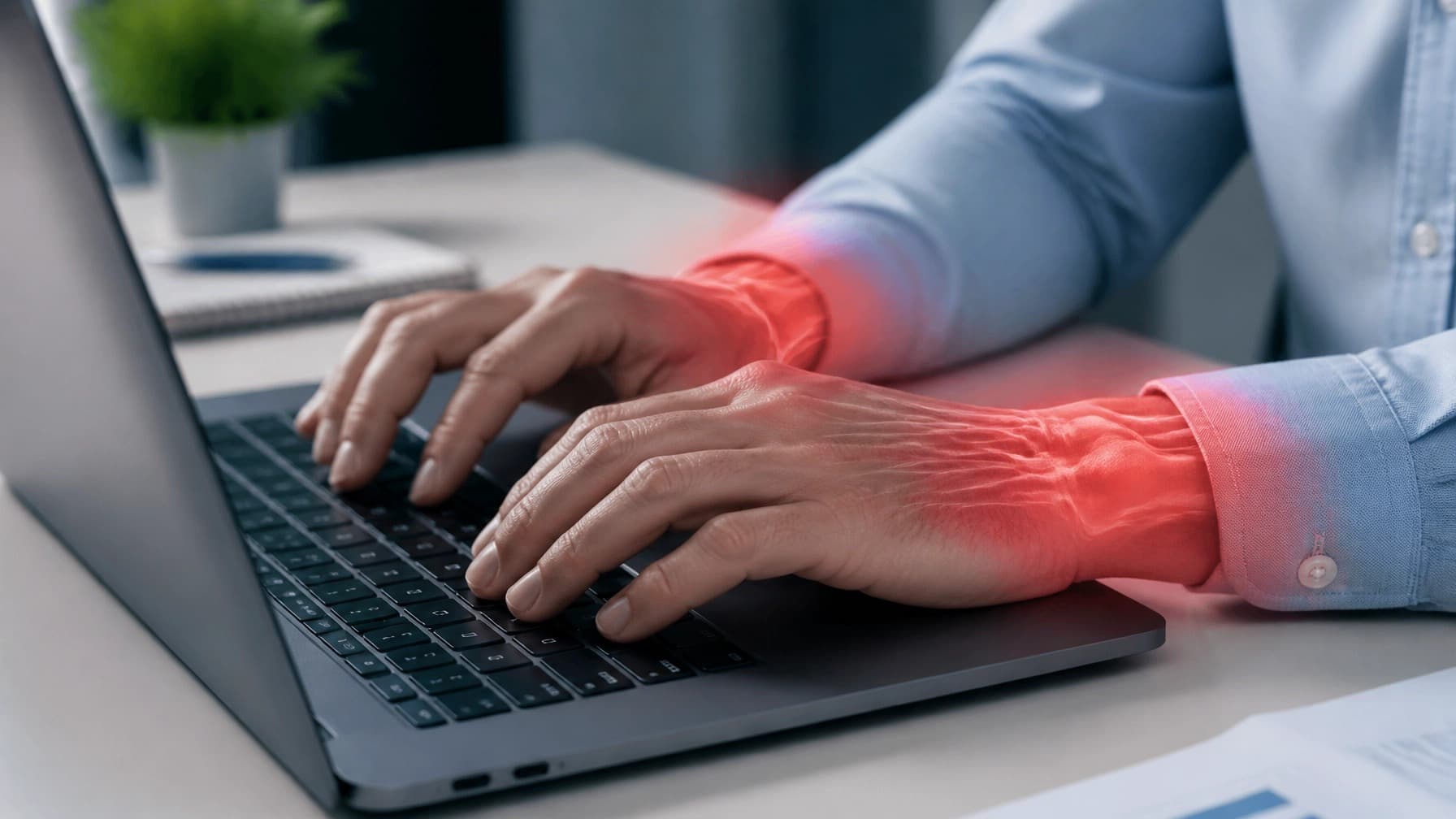
If your hands feel stiff, shaky, or just plain tired at the end of the day, you are likely dealing with keyboard cramps. This is usually a sign of overuse or poor wrist positioning. When you type or use a mouse for hours on end without a break, the small muscles and tendons in your forearms get irritated and inflamed.
Left unchecked, this can lead to more serious conditions like Carpal Tunnel Syndrome or Tendinitis. You might start feeling numbness or tingling in your fingers, or notice that your grip strength is not what it used to be. These are real medical conditions with several possible causes, so persistent numbness, tingling, or weakness is worth getting properly assessed rather than self-diagnosing from an article.
The key is keeping your wrists in a "neutral" position. Think of your arm and hand as a straight line. If your wrists are cocked up or down, you are putting unnecessary pressure on the nerves.
Why "Mobile Physio" Is a Game Changer for Desk Workers
One of the best things we offer at Komplete Physiotherapy is our mobile physio service. While we love seeing patients in our clinic, there is a real advantage to a home visit physiotherapy session, especially for office workers.
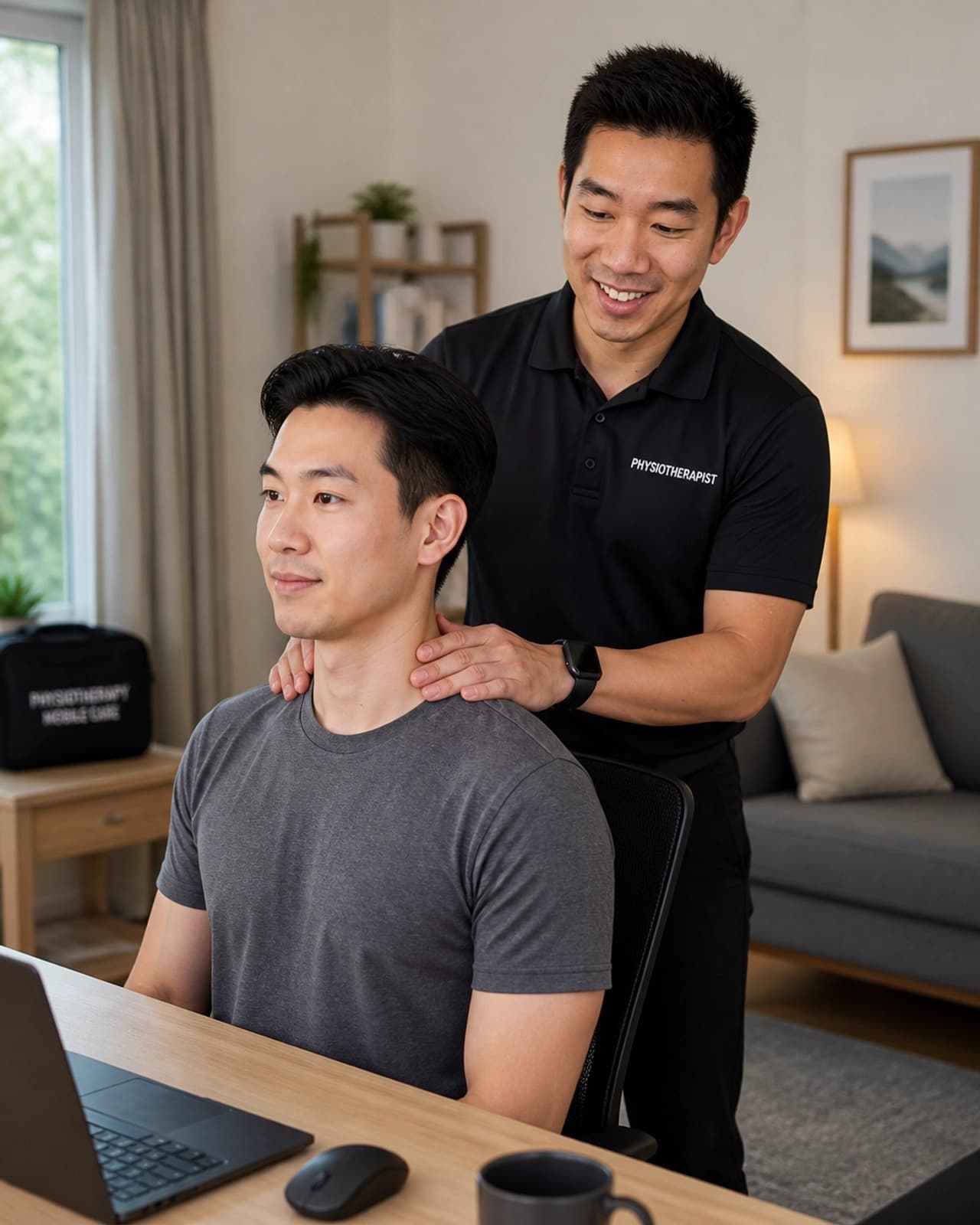
When we come to your house, we are not just treating your pain; we are looking at the cause of it in real time. We can see exactly how high your desk is, how your chair supports your back, and where your monitor is placed.
Instead of you trying to describe your setup to us in a clinic, we can actually tweak it for you right then and there. It is like having your physio and an ergonomics check-up in the one visit, right in your living room.
Setting Up the "Ultimate" Desk (Without Spending a Fortune)
You do not need a $2,000 ergonomic chair to look after your back (though a good chair helps). Small changes make the biggest difference.
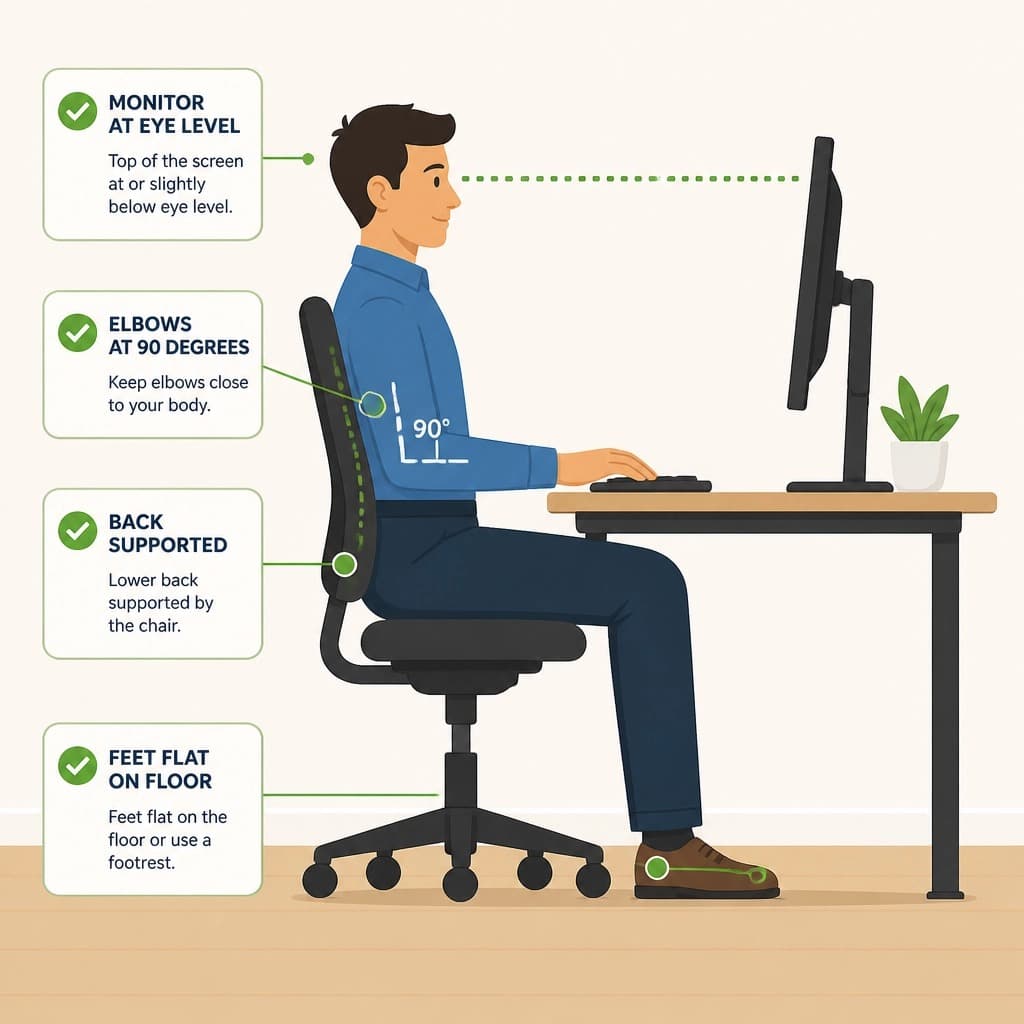
- Monitor level: the top third of your screen should be at eye level. If you are on a laptop, use a stand (or a stack of books) and add an external keyboard and mouse. This stops you from looking down and creating that "Tech Neck" strain.
- Elbow angle: your elbows should be at roughly 90 degrees, resting comfortably at your side. If you have to reach forward for your mouse, your shoulders will start to ache by lunchtime.
- Feet flat: your feet should be flat on the floor. If they are dangling, it puts pressure on your lower back. Grab a footrest or a sturdy box if your chair is too high.
- Lumbar support: if your chair does not have a curve for your lower back, roll up a small towel and place it in the small of your back. It is a 2-second fix to support your lower back.
Three Simple Stretches to Do Right Now
You do not even have to stand up to do these. Try them every hour or so to keep your muscles from locking up.
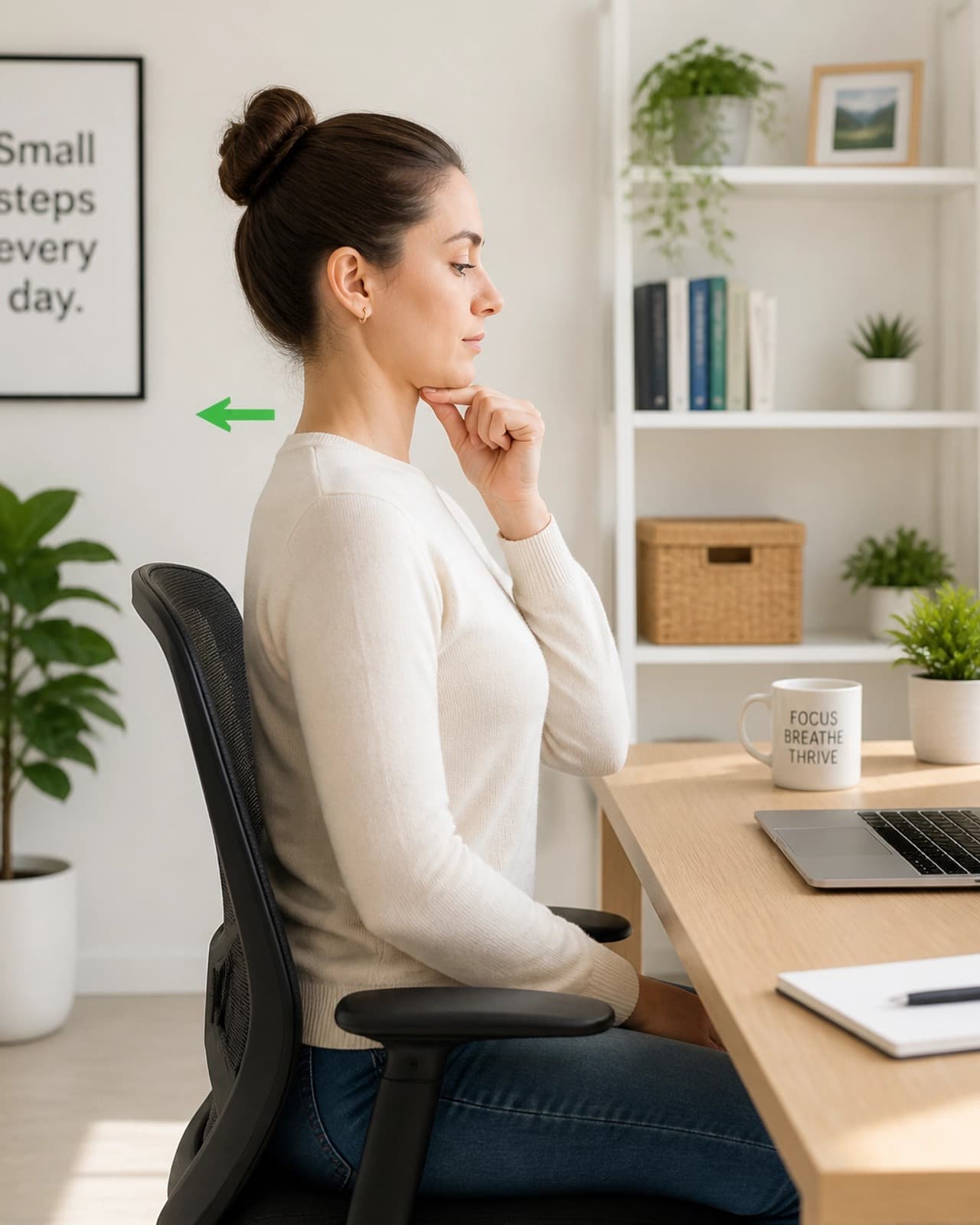
- The chin tuck: this is the antidote to Tech Neck. Sit up tall and look straight ahead. Without tilting your head up or down, gently draw your chin straight back (like you are making a "double chin"). You should feel a gentle stretch at the base of your skull.
- Shoulder blade squeezes: imagine there is a pencil between your shoulder blades and you are trying to squeeze it. Hold for 5 seconds, relax, and repeat 10 times. This helps reverse the "rounded shoulder" posture we get from typing.
- Wrist extensions: hold one arm out in front of you, palm facing away like you are telling someone to stop. Use your other hand to gently pull your fingers back toward you. Hold for 20 seconds. A great one for keyboard cramps.
There Is No Need to Wait Until It Is Worse
Many people wait until they can barely turn their head, or their headaches have become a daily event, before they think about seeing a physio. You do not have to leave it that long. Whether you prefer to visit us in-clinic or you want the convenience of a home visit physiotherapy session, we are here to help you move better.
Office injuries happen because of repetitive, small movements that add up over time. The good news is that small, positive changes add up just as quickly.